Brand toolkit
Cancer is complicated. We make it easier to understand.
Everything you need to talk about Cancer Explained — logos, colors, type, voice, imagery, and our press kit.
Our mission
Cancer Explained provides free, plain-language cancer education for patients, caregivers, families, and the public. We turn trusted National Cancer Institute resources into clear explanations, guided reading paths, and practical tools that help people prepare for conversations with their care team.
- A program of National Cancer Information Foundation, a 501(c)(3) public charity
- Based chiefly on National Cancer Institute resources
- Free — no ads, no paywall, no account
- Education only — never medical advice
Logos
Use the violet wordmark on light backgrounds and the white or lavender versions on violet or ink. Leave clear space around the logo at least the height of the letter “c”.











Colors
Violet
Primary — buttons, links, the wordmark
Deep violet
Hover states and gradients
Ink
Body text and dark backgrounds
Lavender
Soft panels and highlights
Soft lilac
Accents on dark backgrounds
Paper
Page background
Typography
Plus Jakarta Sans
Aa Bb Cc
Bold 700Headlines
Semibold 600Labels and buttons
Regular 400Body text
Free under the SIL Open Font License. The font files are included in the full kit.
Voice & how to describe us
Plain, not simple
Short sentences and everyday words. We explain a term the first time we use it.
Warm, not saccharine
We sound like a knowledgeable friend. No false cheer, no fear, no pressure.
Honest about limits
We educate; we never diagnose or recommend treatment. We point people back to their care team.
Always sourced
Claims link to the National Cancer Institute or another published public health source.
Please don’t
- Describe Cancer Explained as a provider of medical advice, diagnosis, or treatment.
- Say our content is clinician-reviewed unless a specific page states it.
- Imply endorsement by the National Cancer Institute or any other agency.
- Recolor, stretch, rotate, outline, or add effects to the logo.
- Use our imagery to depict a real patient or a real person's story.
Imagery
Calm, human, and hopeful: soft light, real-life settings, and people connecting. Our photo scenes are AI-generated illustrations, not real patients, and should never be presented as someone’s story.
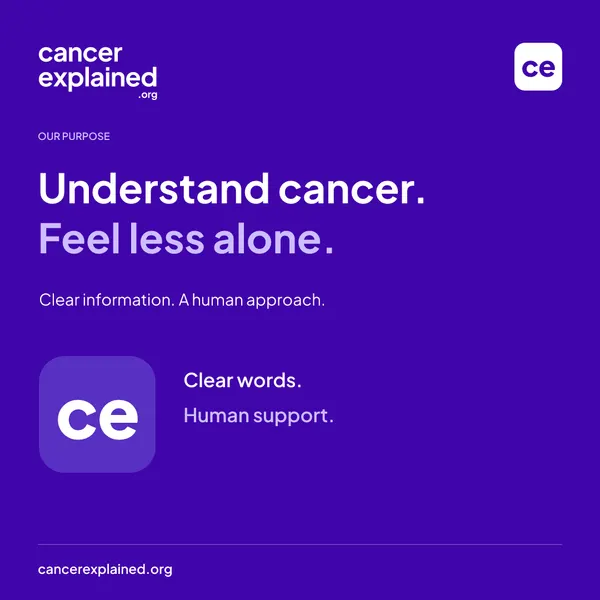
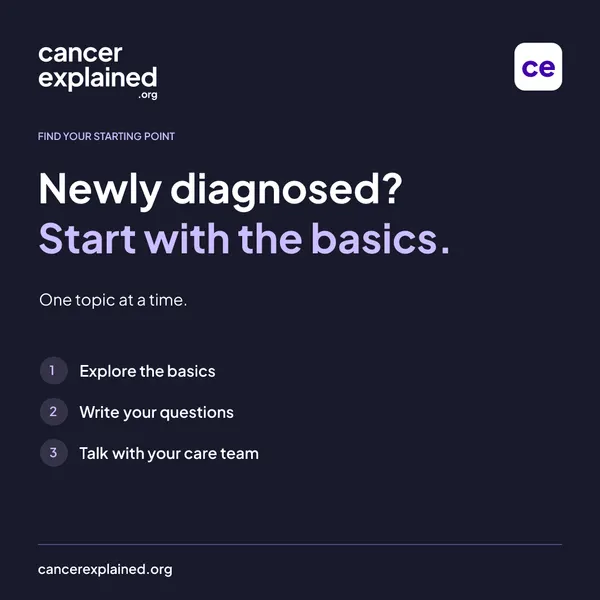
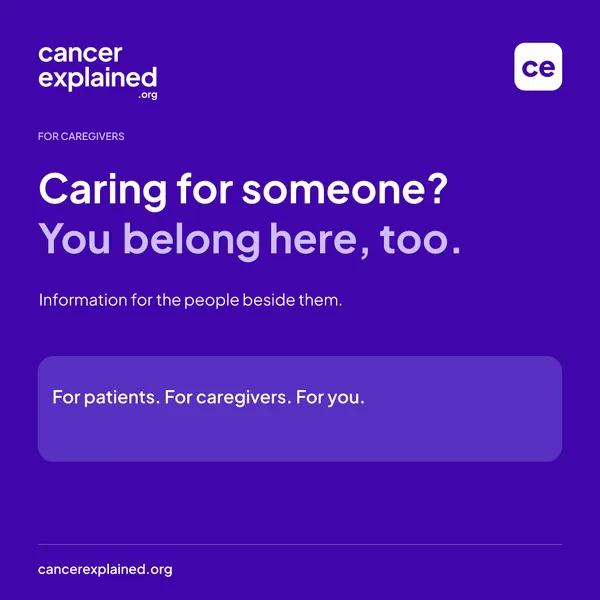

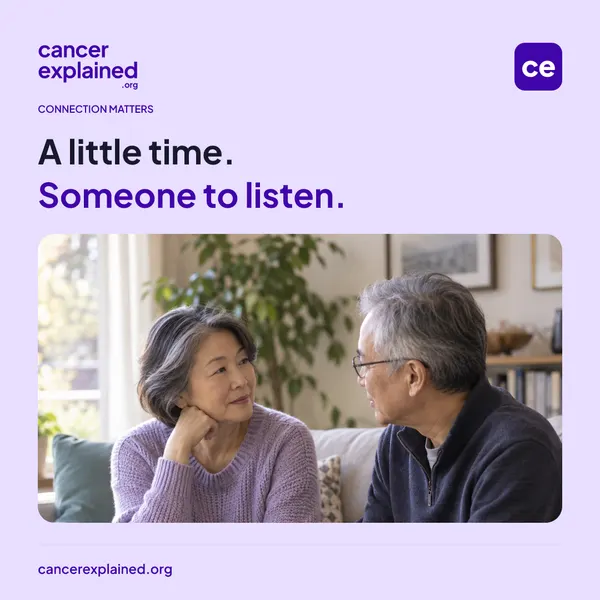

Need the full social set (square, portrait, and story sizes, with captions and alt text)? Email [email protected].
Press kit
Media kit (PDF)
Facts, descriptions, and story ideas.
Media kit (Word)
Editable version of the same kit.
Full kit (ZIP)
Kit, press copy, logos, and fonts.
Get in touch
Press: [email protected]
Partnerships: [email protected]
Reusable descriptions and organization facts are on the press page. Governance details are on the transparency page.